My edit,
inside your Lightroom.
Seven presets with the same color treatment I use on my own weddings: four in color and three in black and white. These are not filters — it is an editing base built for real skin and real wedding light, with an install manual in four languages.
The same edit I have been running on my weddings for over 10 years
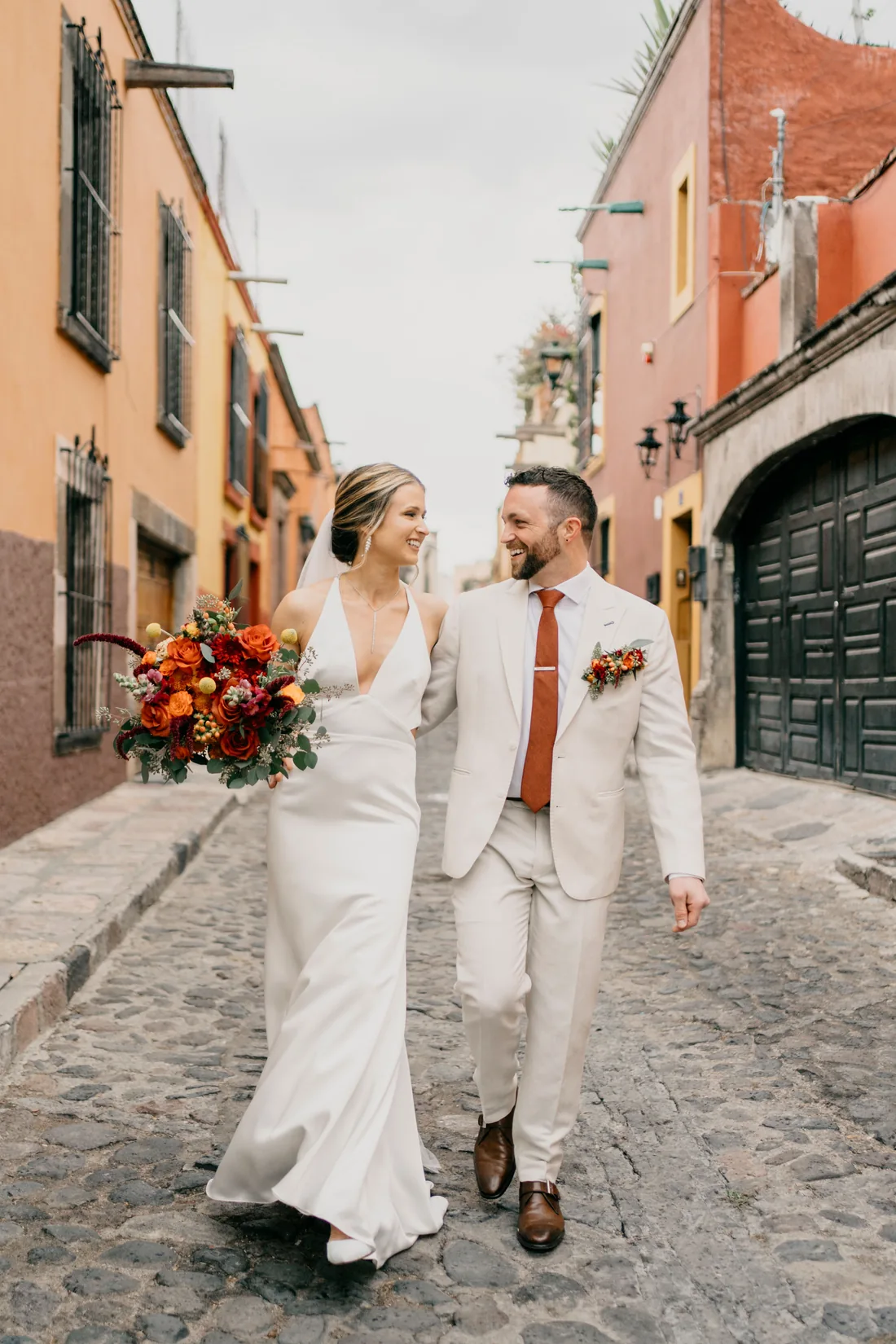
Does every wedding send you back to a blank slider panel?
This is the starting point I already solved for myself.
A preset does not edit the wedding for you. What it does is save you the first twenty moves on every frame: the curve, the skin color, the base contrast. That is exactly what this is, pulled from my own catalog and not from a template I bought.
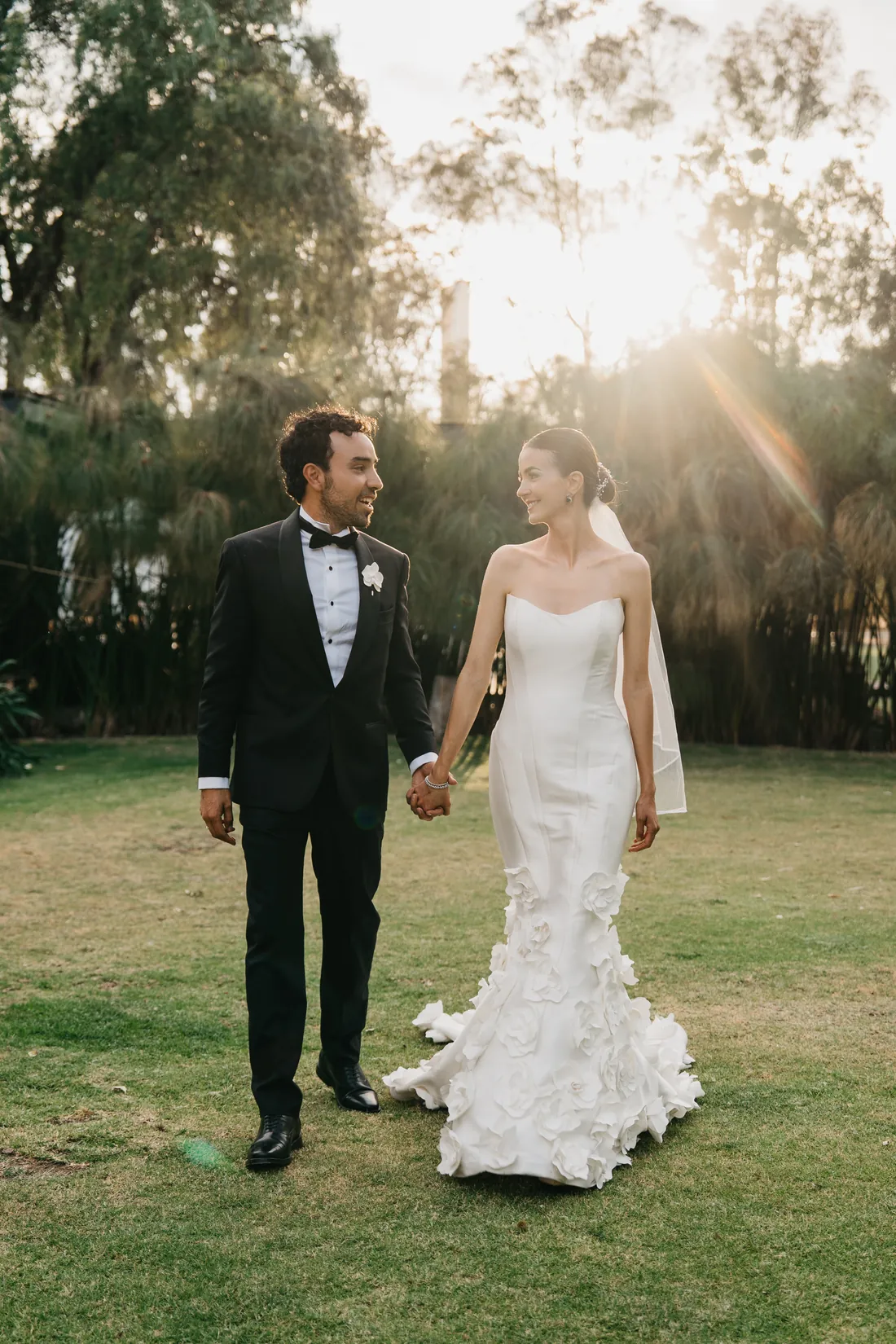
One click. And the photo already looks right.
Most presets on the market leave the photo worse than they found it: orange skin, broken contrast, blown highlights. You apply one and spend half an hour dragging sliders just to get back where you started.
This is real Lightroom, no cuts and no edit: the mouse runs over all seven presets and the photo holds up on every one. Not a single slider is touched in the whole video. Whatever you adjust after that is yours, not repair work.
- →One click, like any other preset
- →No extra steps, no separate profiles to install
- →Built so your next move is a choice, not a fix
Screen recording in Lightroom Classic, not sped up, not cropped. The photo is one of my own weddings.
The problem is not your eye.
It is that every wedding starts from zero.
All seven presets.
Before and after.
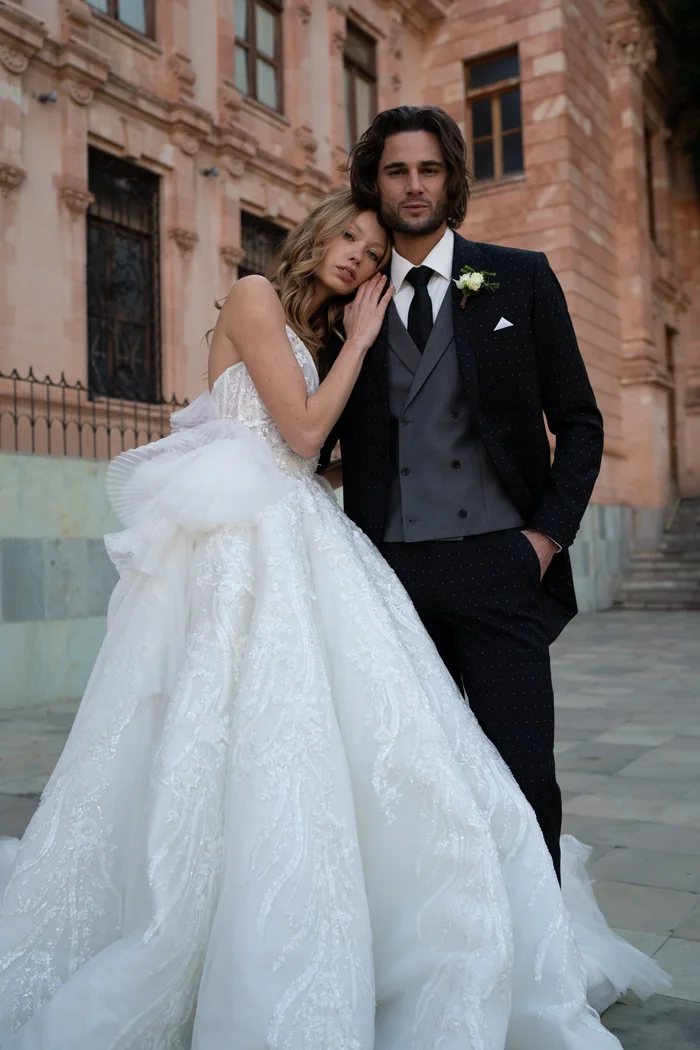
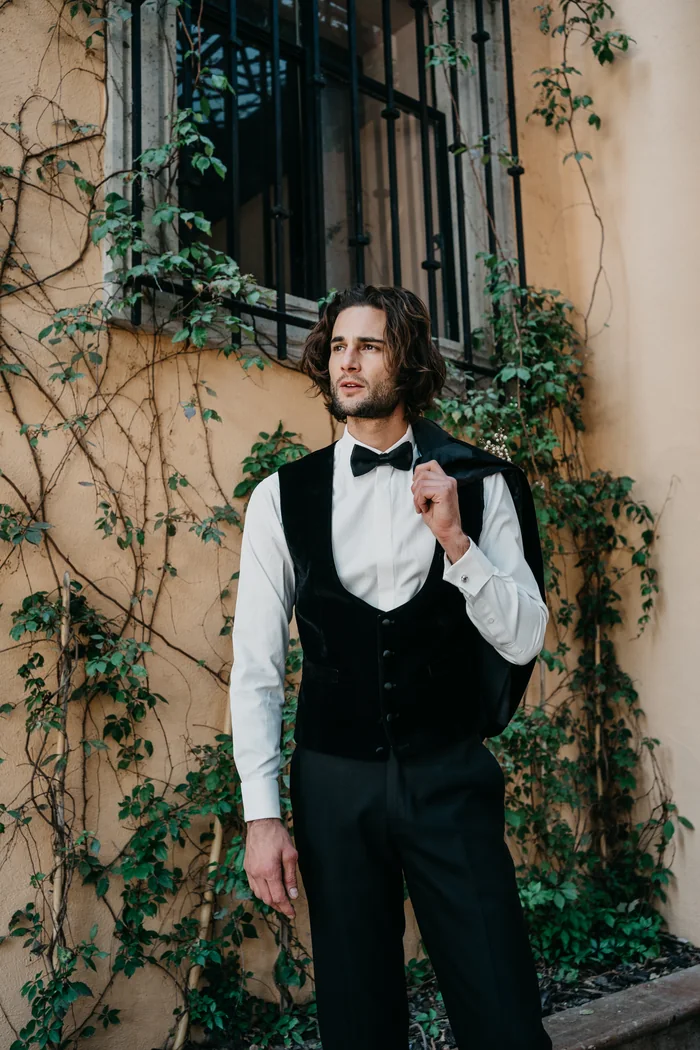
Seven photos from the same day and the same session, so the light is not the excuse. On the left the file straight out of camera; on the right, the preset applied and nothing else.
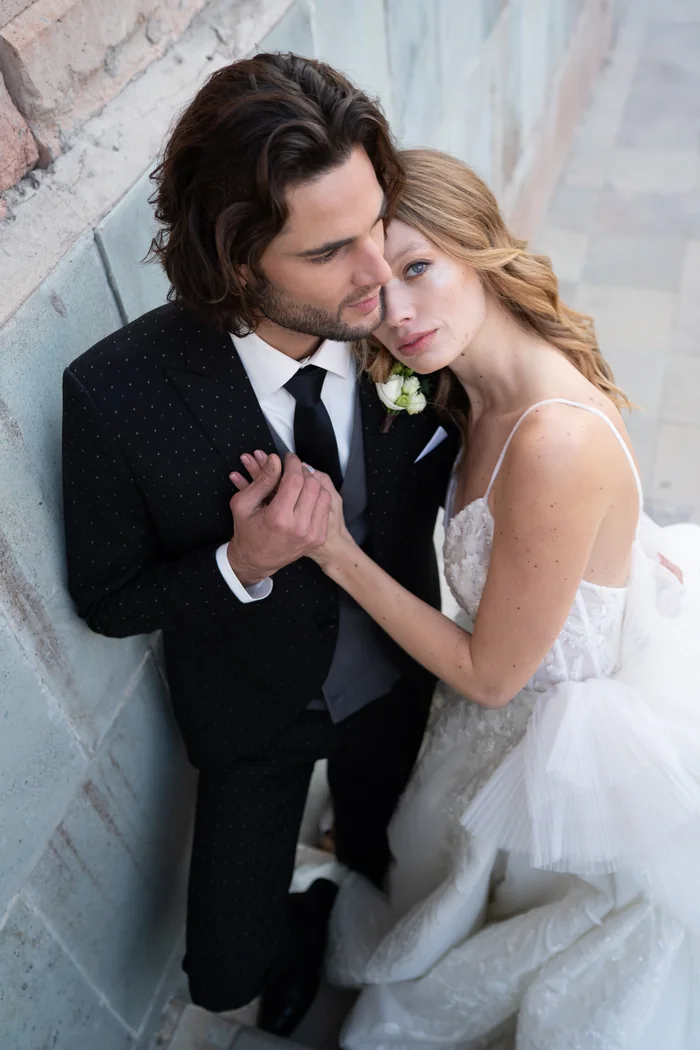 Unedited
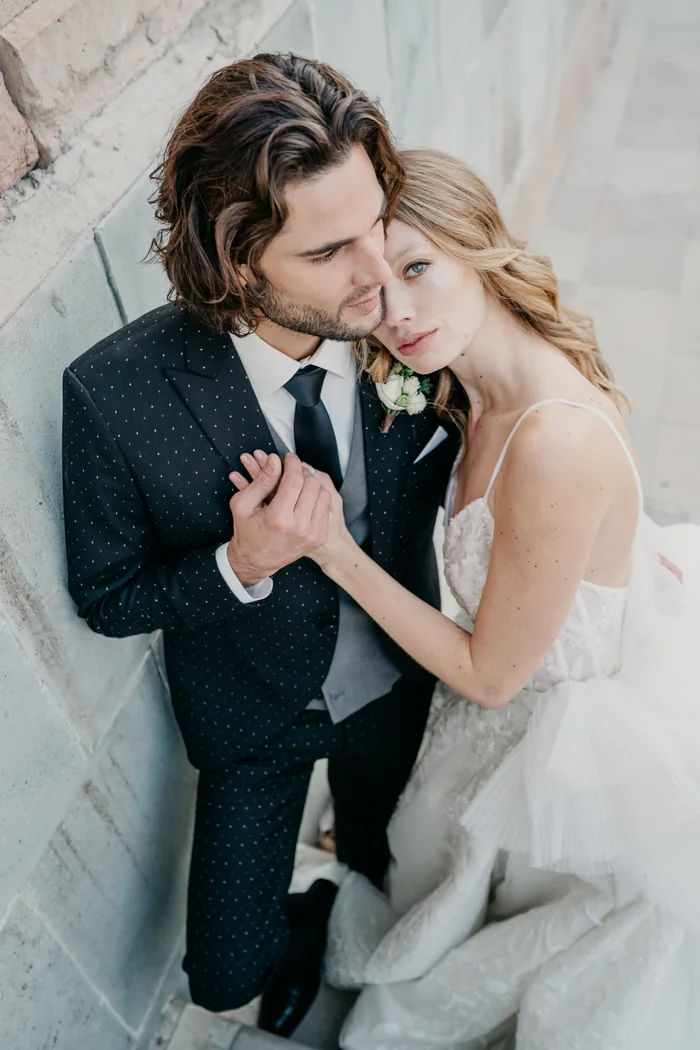 With FR-01
 Unedited
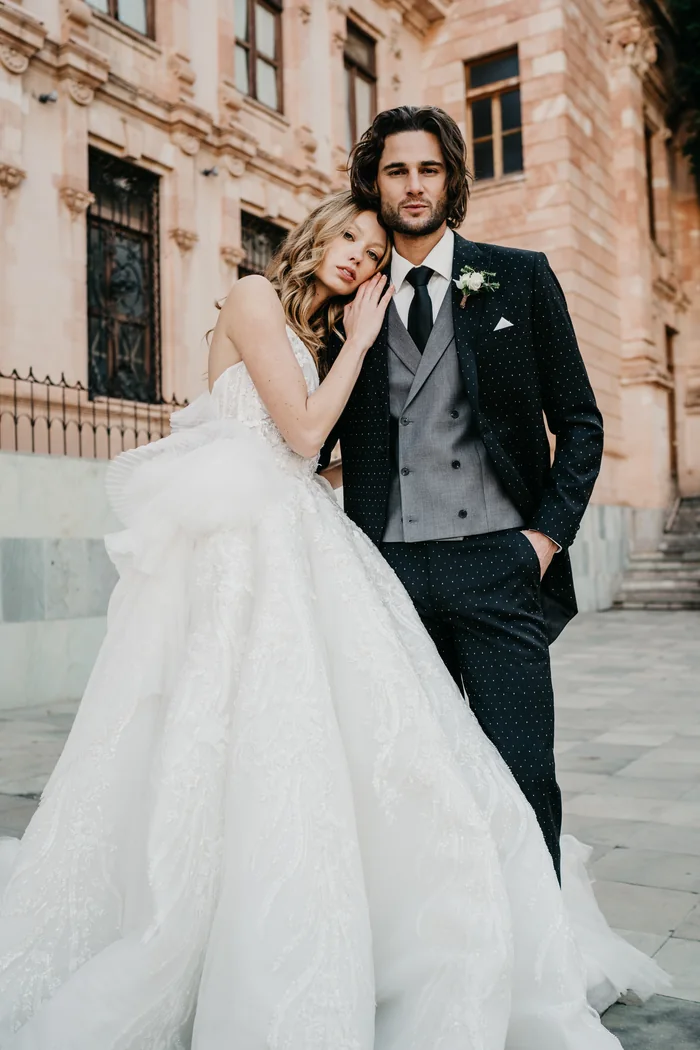 With FR-02
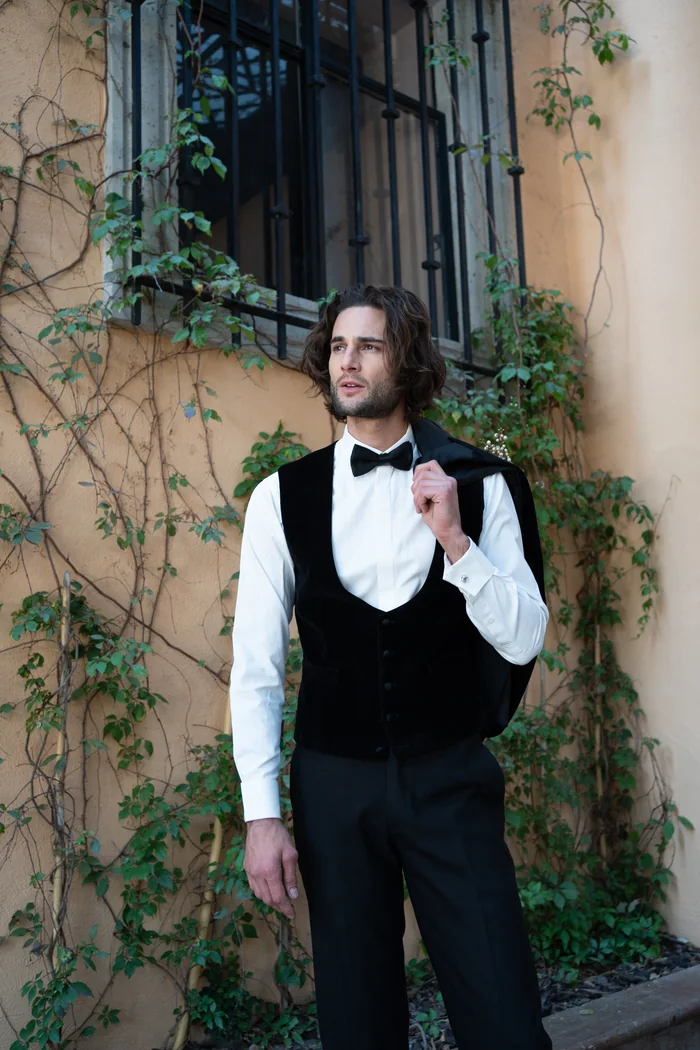 Unedited
 With FR-03
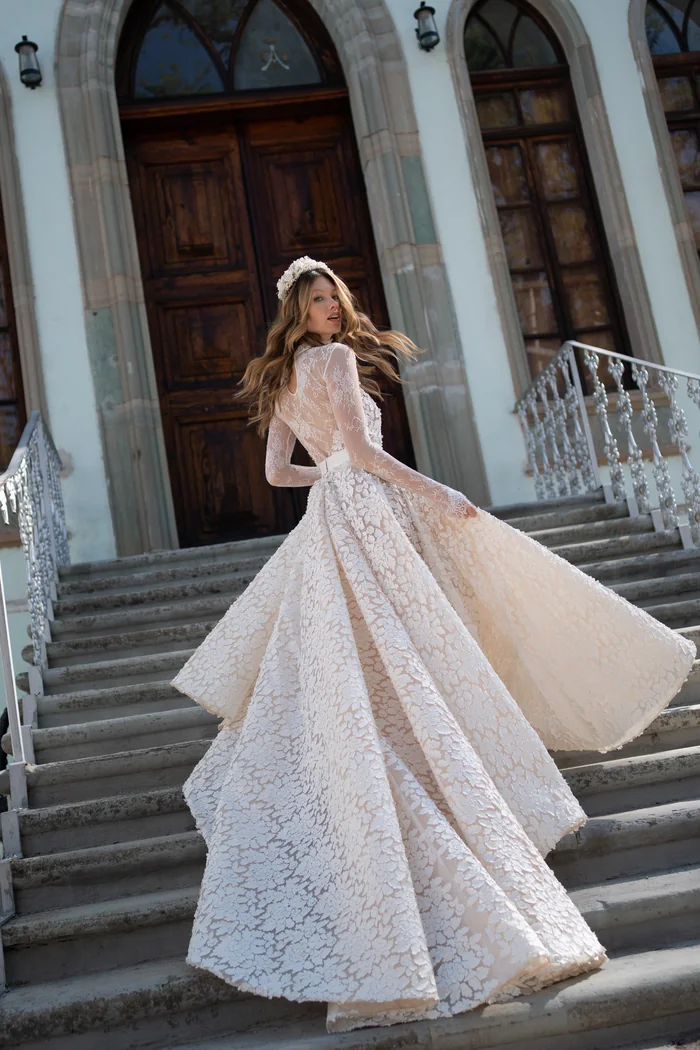 Unedited
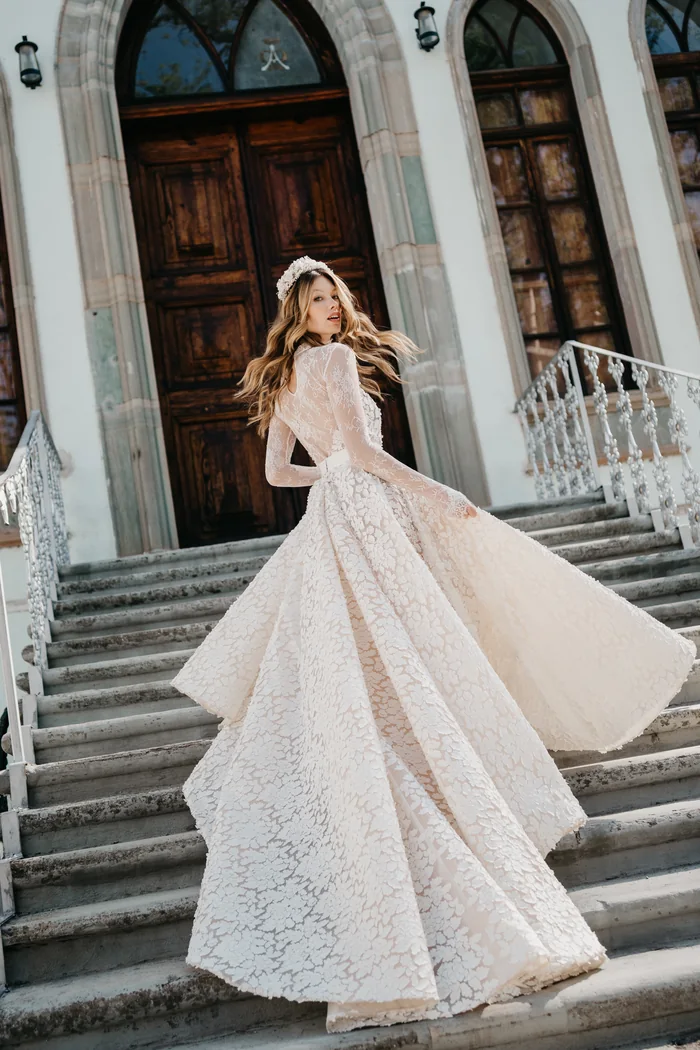 With FR-04
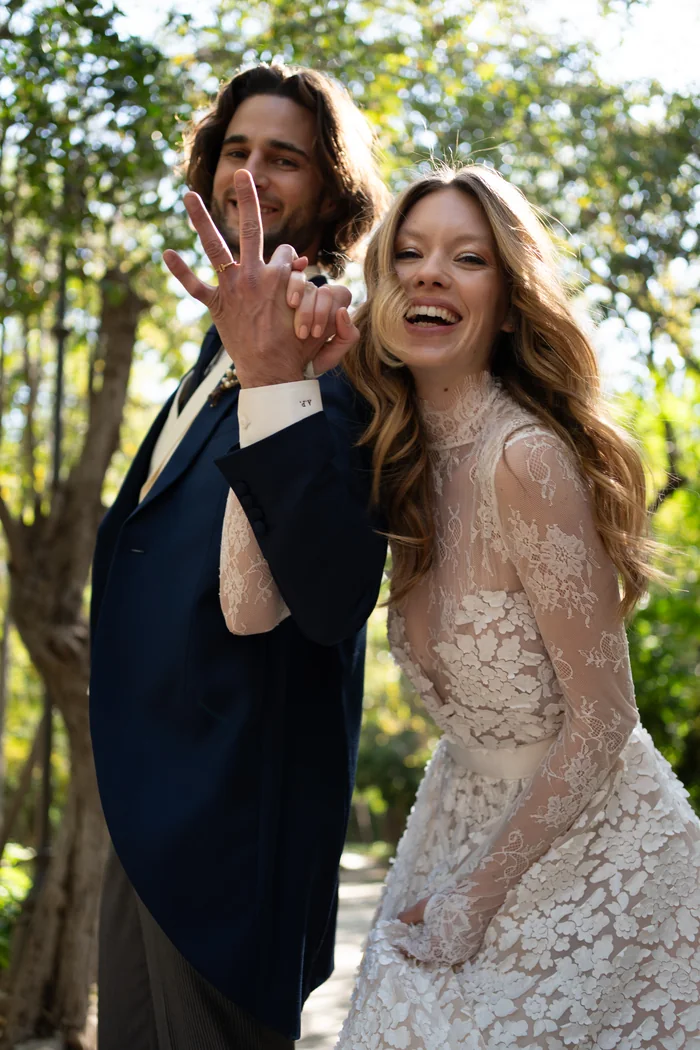 Unedited
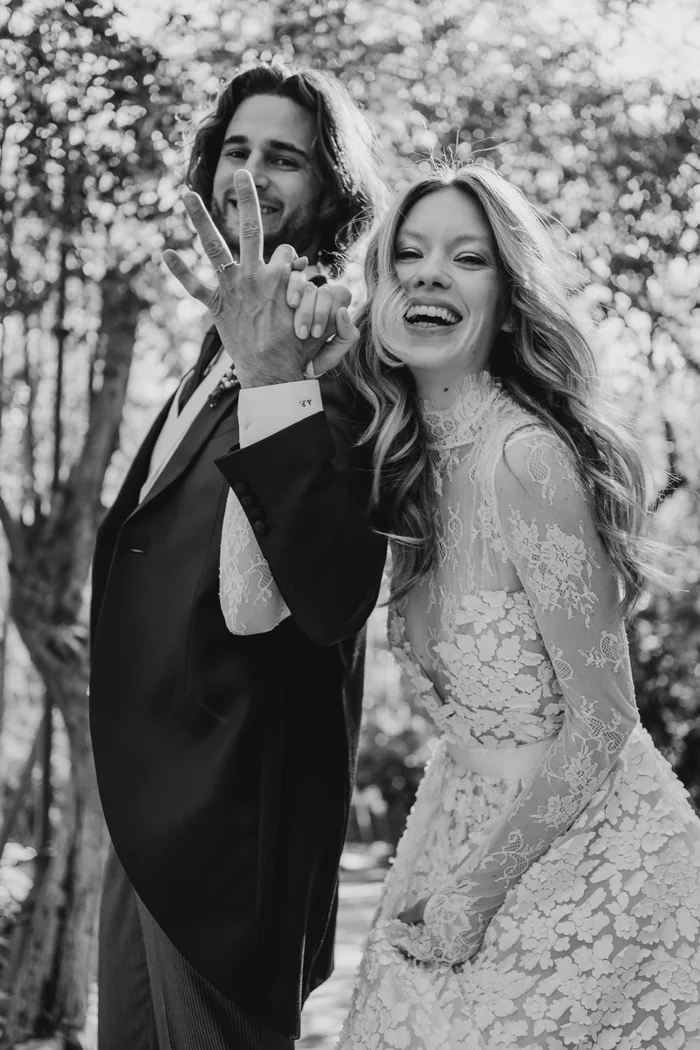 With FR-BN-01
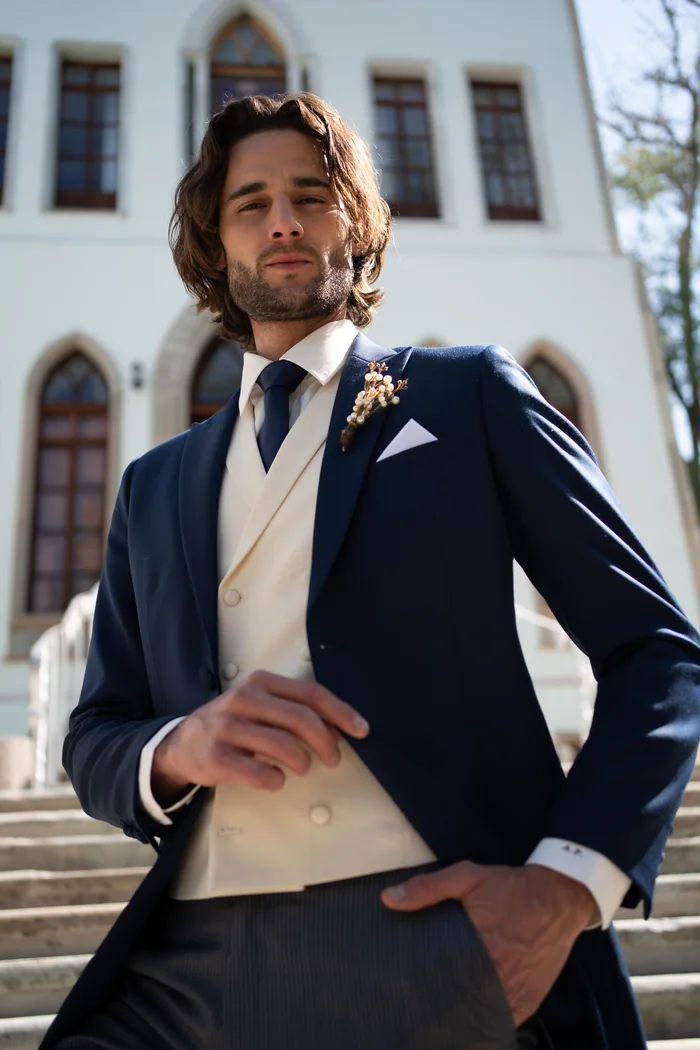 Unedited
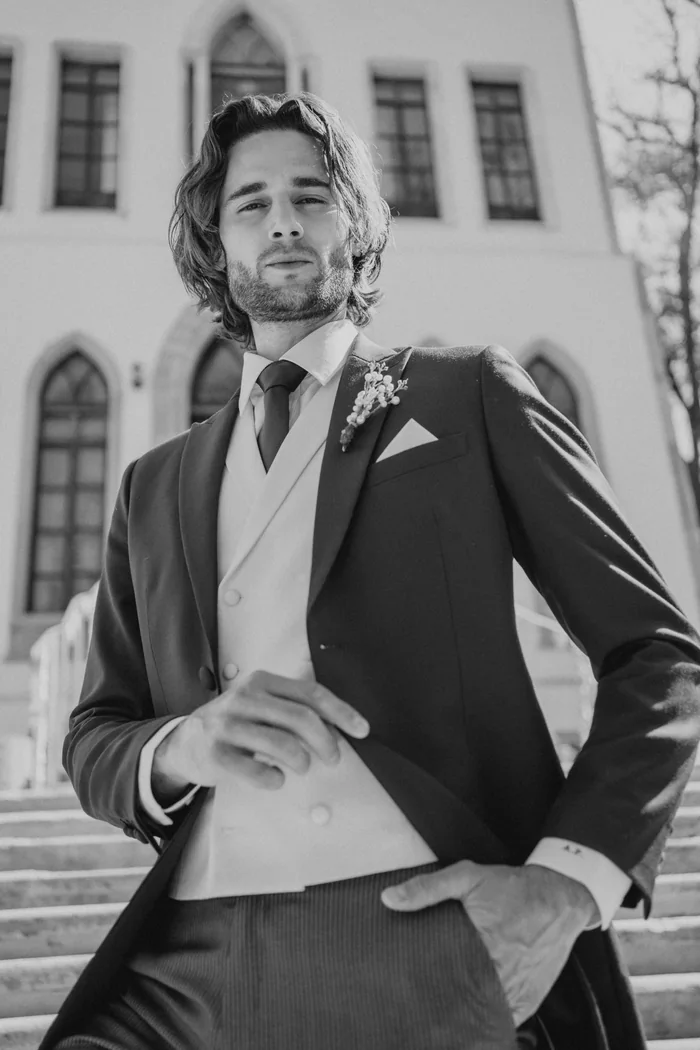 With FR-BN-02
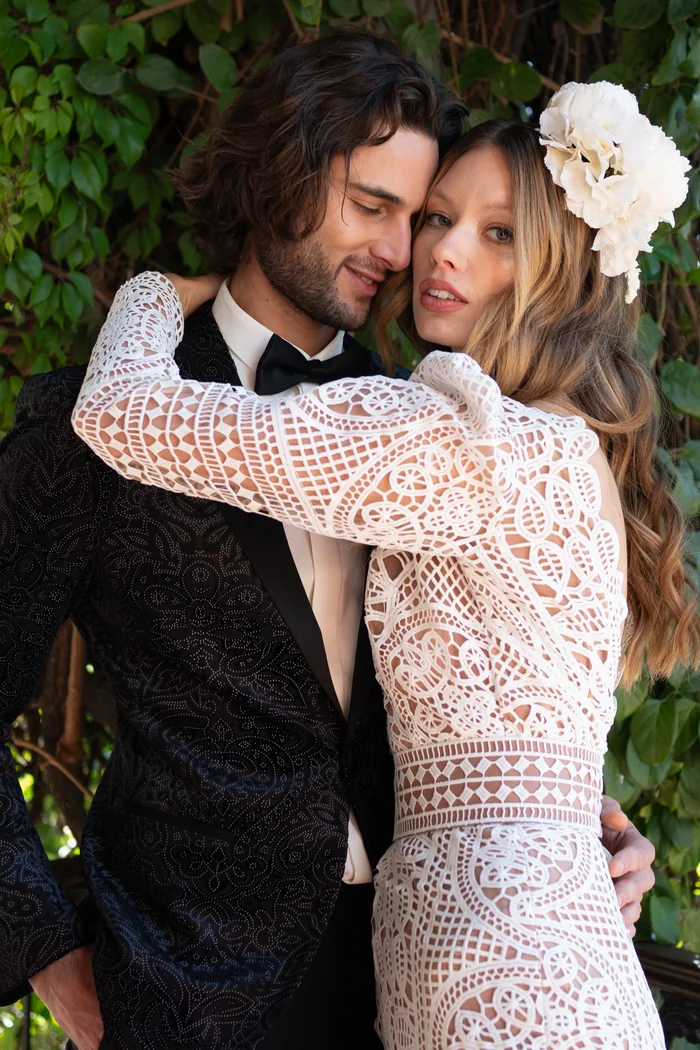 Unedited
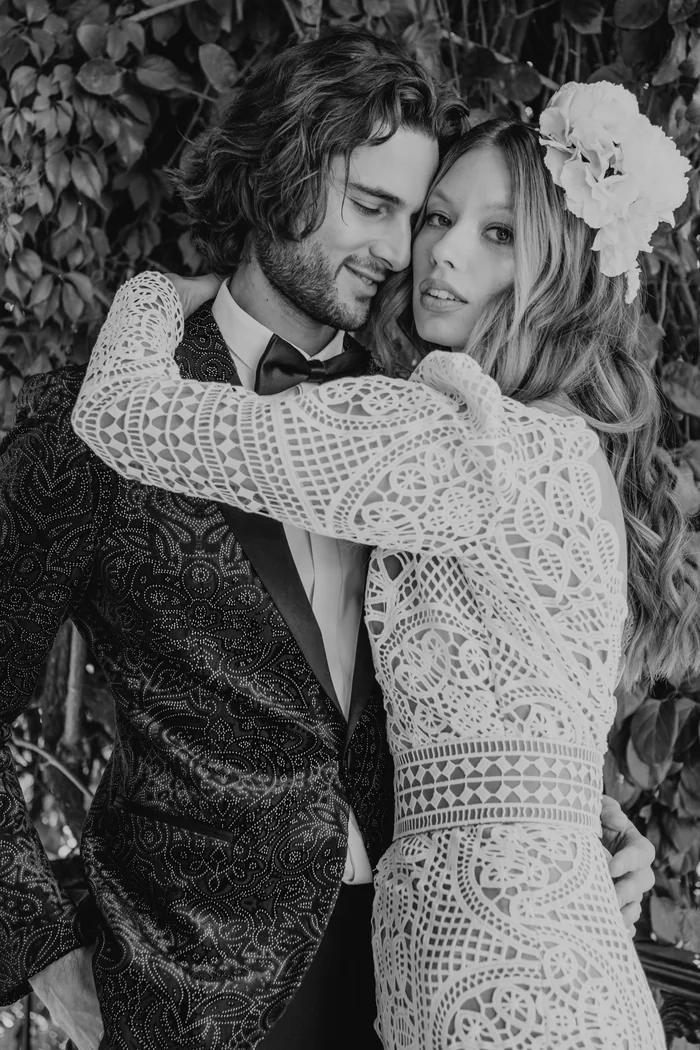 With FR-BN-03
No extra adjustments after the preset: no exposure, no white balance, no crop. It is literally one click.
7 presets.
One single color signature.
These are not seven loose looks from seven different styles. They are variations on the same base, so you can switch presets inside one wedding without the gallery splitting in two.
FR-01 through FR-04. The editing base I use across most of a wedding: corrected tone, warm skin that does not swing to orange, and contrast that holds from the church to the dance floor.
FR-BN-01 through FR-BN-03. Three conversions built by hand, each with its own curve and its own contrast. Not saturation pulled to zero: black and white with real blacks.
Four PDFs inside the same ZIP: English, Spanish, French and Portuguese. With the exact path for Mac and Windows, what to do if they do not show up, and how to move them to cloud Lightroom.
It installs in two minutes.
Unzip the file, open Lightroom Classic, go to the Develop module, the Presets panel, click the + in the panel header, choose Import Presets… and select the seven files. They show up right away, grouped under Fernando Ruiz, with no restart. If you would rather copy them by hand, the manual has the exact Mac and Windows paths.
I am Fernando Ruiz.
And this is my edit, not one I bought.
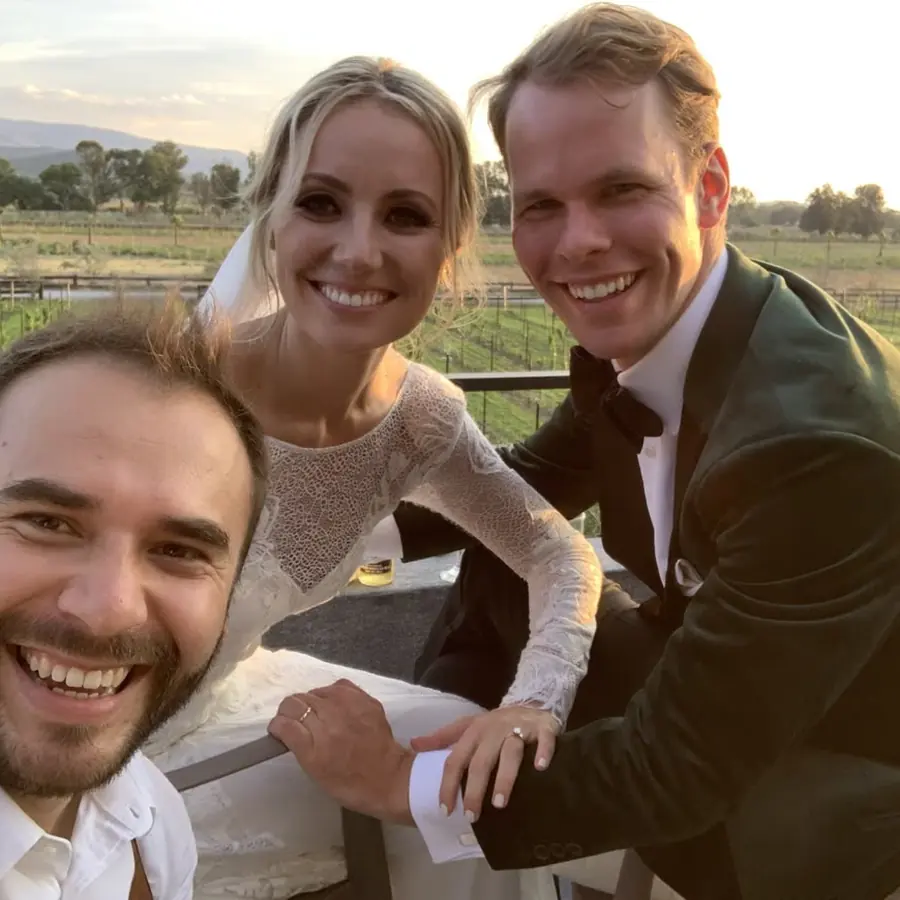
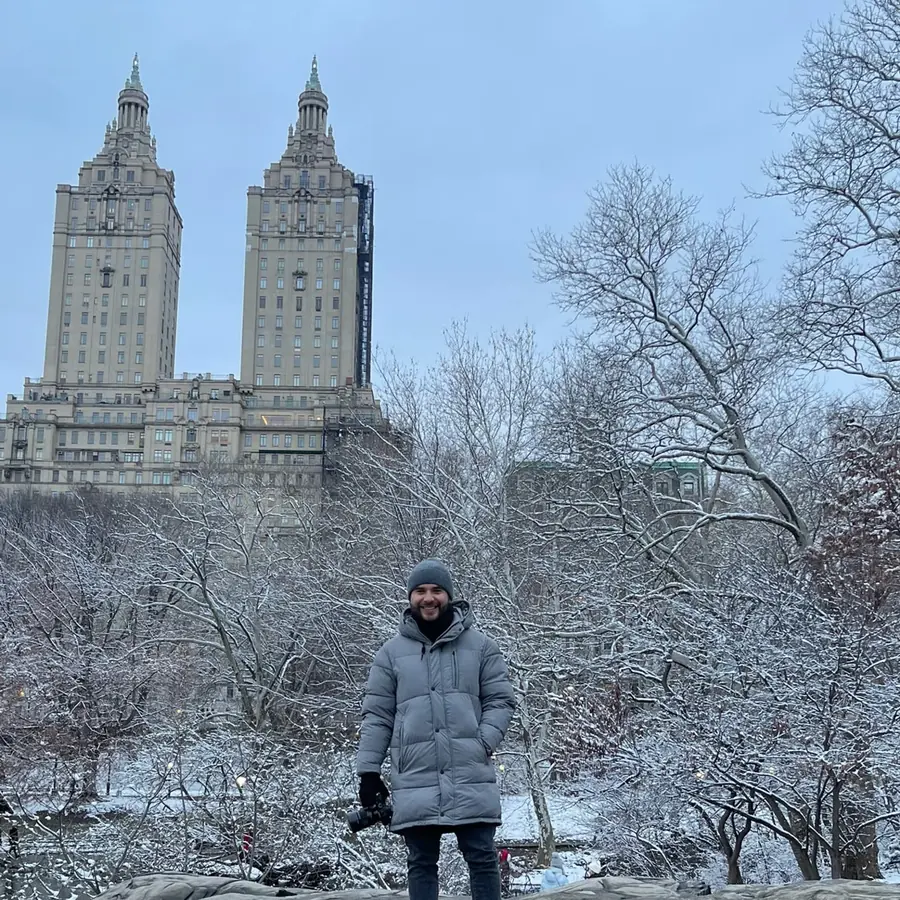
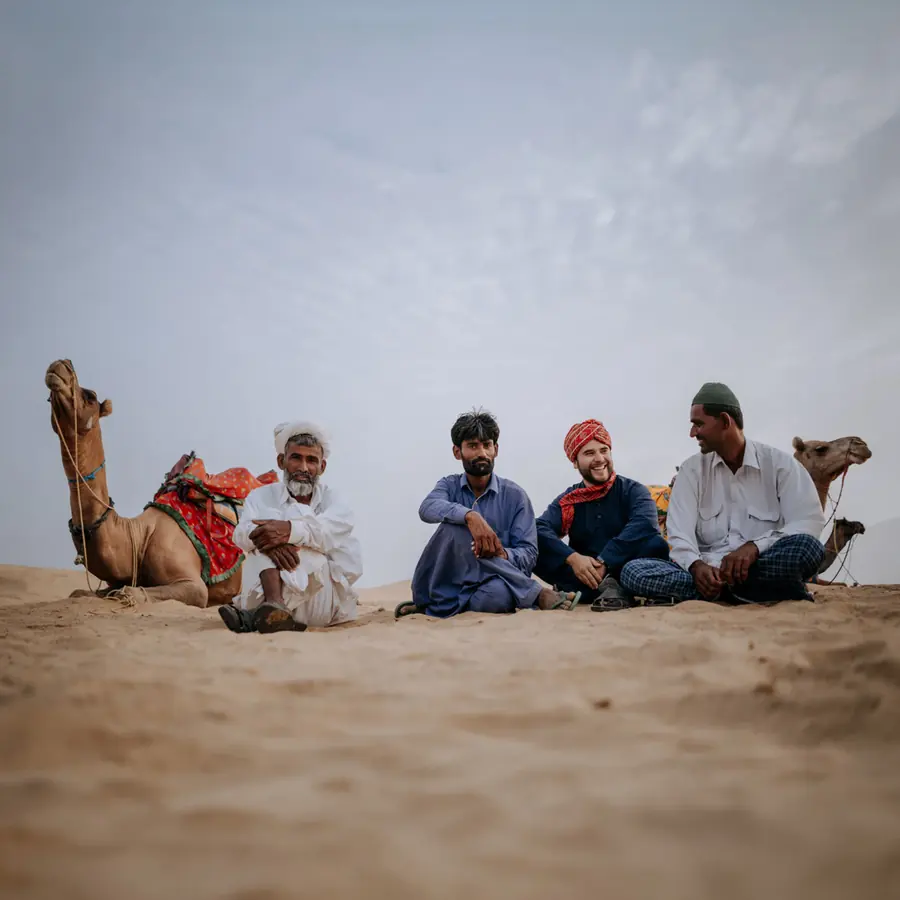
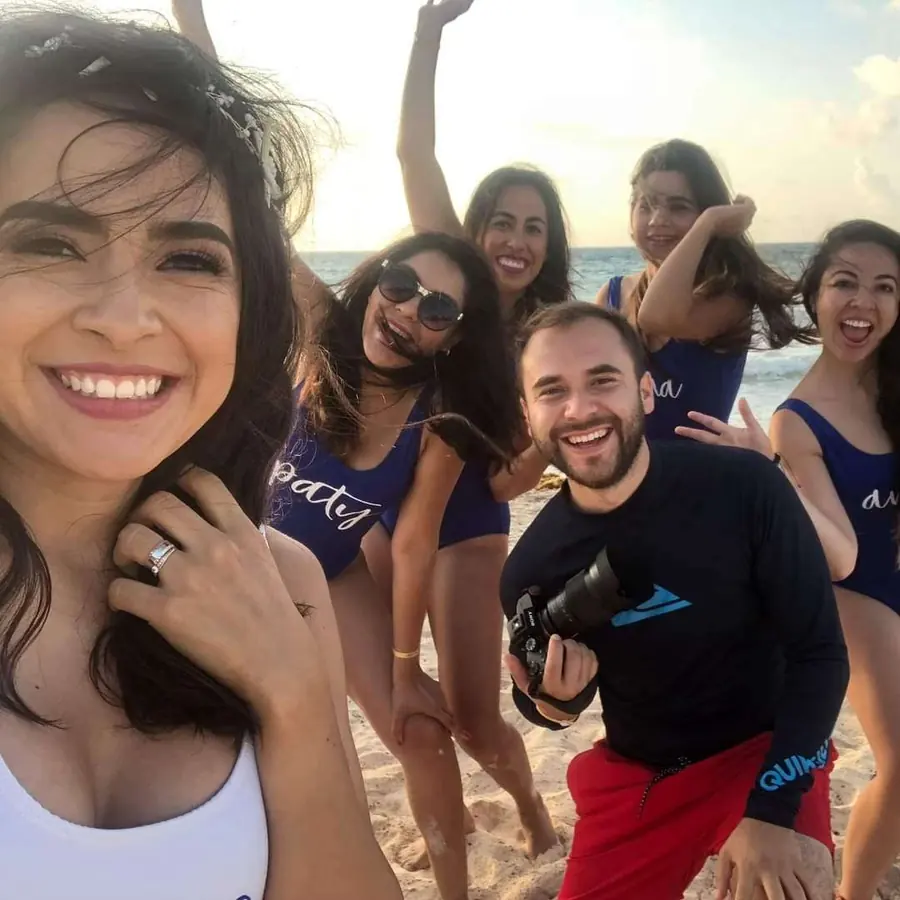
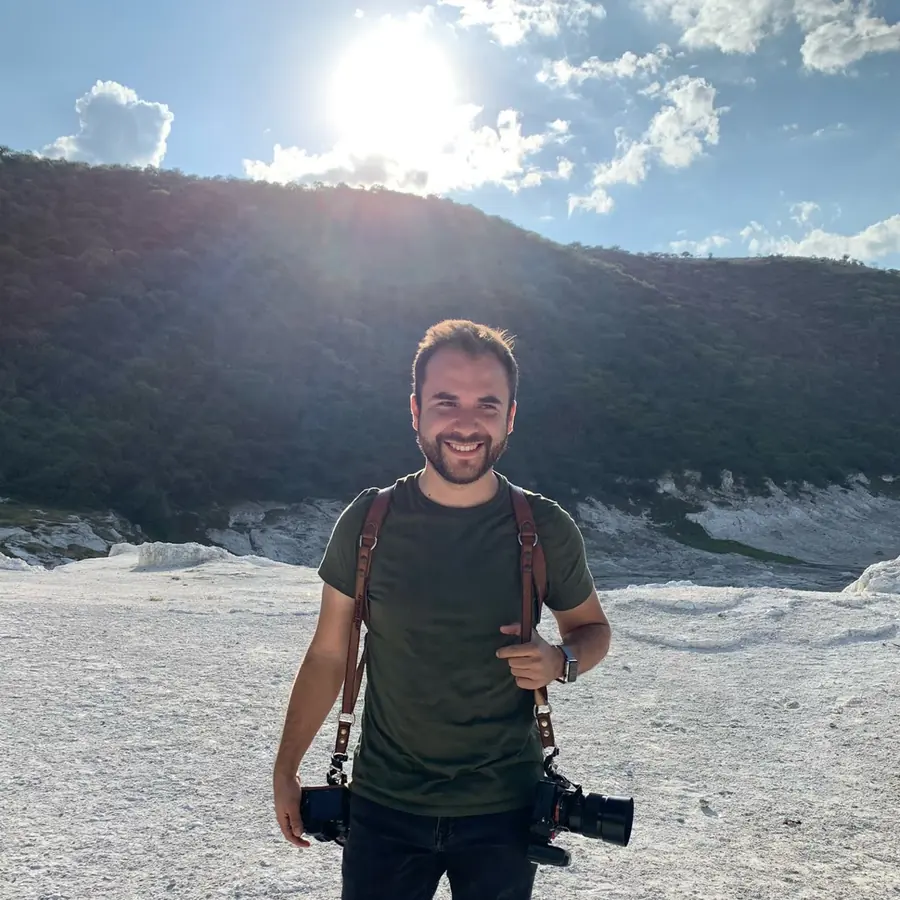
Over 10 years shooting weddings in Mexico and around the world, plus editorial work and Fashion Weeks in New York, Paris and London. These presets did not come out of an experiment: they came out of my own catalog, from weddings I have already delivered.
What you need and what I will not promise you.
Lightroom Classic 7.3 (2018) or later, or Camera Raw 10.3 or later. These are .xmp files, the format Adobe has used since that version: older versions will not load them. The manual also covers how to move them to cloud Lightroom.
Built for RAW. They will run on an already processed JPG, but the result is different: that file no longer carries the information the preset needs to work with.
It is a starting point, not a “deliver” button. You will still adjust exposure and white balance frame by frame — no preset solves that, and anyone telling you otherwise is selling you smoke.
One ZIP that lands in your inbox as soon as the payment clears, and on the thank-you page too. No subscription, no license that expires: it is yours for good.
Calibrated on Sony. My whole archive is Sony, and that is where these are measured and tested. On Canon, Nikon or Fuji they will work, but skin color will not land exactly the same and you will have to move the calibration. I would rather tell you here than let you find out after paying.
Do you deliver weddings and feel like editing eats your whole week?
- →You shoot weddings and deliver long galleries, not ten-frame sessions
- →You want a consistent editing base instead of starting from zero on every delivery
- →You already tried commercial packs and none of them hold skin under real light
- →You want black and white that arrives already solved, not improvised
- →You work in Lightroom Classic with RAW files
- →You understand a preset is a starting point, not a shortcut around editing
Stop starting
every wedding from zero.
Seven presets, four in color and three in black and white, with the install manual in four languages. One ZIP, yours for good.
MXN · instant access · yours for good
Buy now →Secure payment · instant download
Secure payment with Stripe (Visa, Mastercard, Amex)
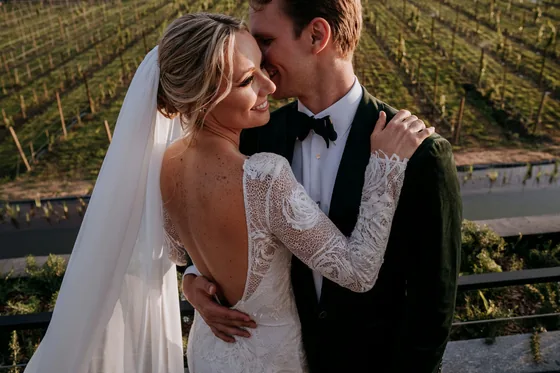
The 3-phase script for directing any couple on their wedding day, even one that has never posed.
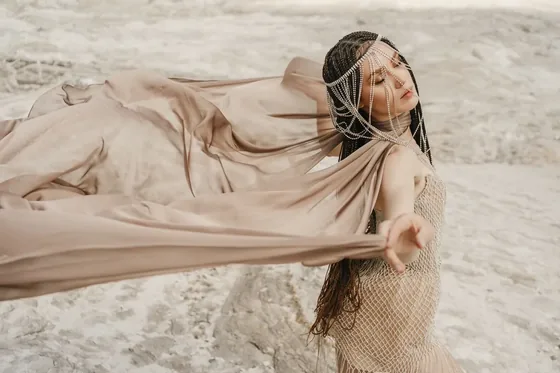
The full methodology for dropping poses and starting to provoke real emotion.